
Co-registration: turn one lead into three lists |
Add a small invite on your thank-you step so new subscribers join multiple lists at once. Setup steps, copy, and proof from this week’s calls. |
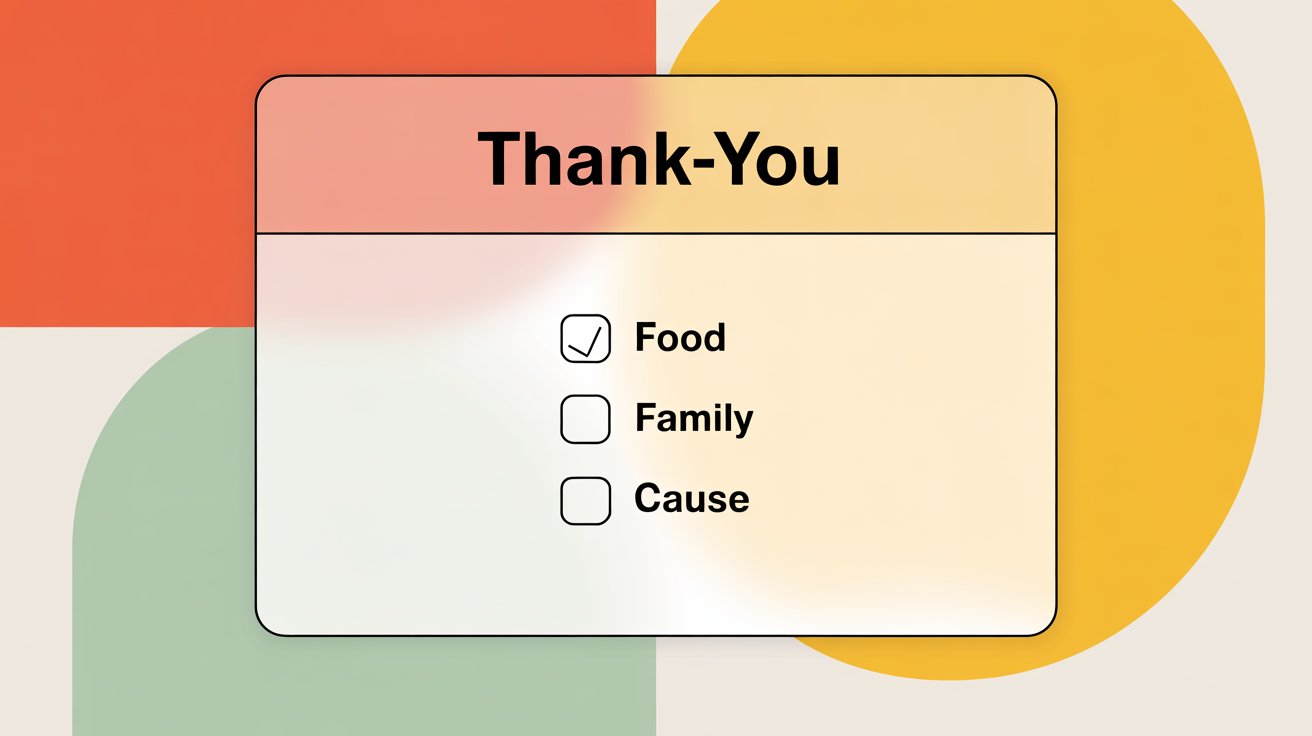
Here is the simple idea. A person joins your main newsletter. Right after they hit submit, you invite them to also join two or three related lists. No extra ad spend. No long form. Just a small widget that opens and says, “Want these too?”
Chad walked this on Local Newsletter Hour with live math from the room. Costs were often under a dollar per lead. With co-reg, that one paid lead grew three lists, which cut the effective cost for each list down to pocket change.
“This is going to be a little widget that opens up and it says, why don’t you join my other newsletters?”
Why this is worth doing now. You are already paying to get that click. Attention is warm for a few seconds after the form. That is the moment to offer more value.
If your CPL (Cost Per Lead) is $0.28 and three lists get the join, you are at roughly 9 cents per list. Even at $0.60 CPL, you are about 20 cents each. That makes testing new verticals less scary and lets you act like a small media company from day one.
On the call, the examples were practical. A city community list as the main capture. Then the widget invites the same person to Food, Family Deals, or Cause/Volunteer lists. These are close enough to feel natural.
The person only needs to click once. No extra typing. The wins stack up all week because every ad dollar is feeding more than one audience. Now let’s set yours up. Keep it light. Keep it honest. If you would personally join it, your readers will too.
The quick setup (10 minutes)
That’s the entire flow. It respects the moment. It does not nag. It gives clear value for one click.
On Local Newsletter Hour, Chad even walked the math with a $10 day: 16 new subs at $0.60, two extra joins each, and you just fed three lists with one budget.
Micro-copy you can paste
Three real-world use cases
Common mistakes we saw (and how to fix them)
A quick note on placement. The co-reg widget belongs between the lead form and your thank-you offer page. It should not block the offer page for long. Two clicks. Done. Then send them to the $17–$27 thank-you offer you learned about in the flywheel article.
That is how one person can both join multiple lists and help pay for today’s traffic in the same minute.
When the Letterman team ships the built-in widget (mentioned on the calls), this gets even easier.
Until then, you can use a light custom modal or a simple interstitial page that carries over the email and tags correctly. The principle stays the same: short invite, tight promises, one click, instant routing.
Two short quotes to pin this down:
“This is going to be a little widget that opens up… why don’t you join my other newsletters?”
Summary |
0 Comments
Join the conversation
Be the first to comment
Share your thoughts above.