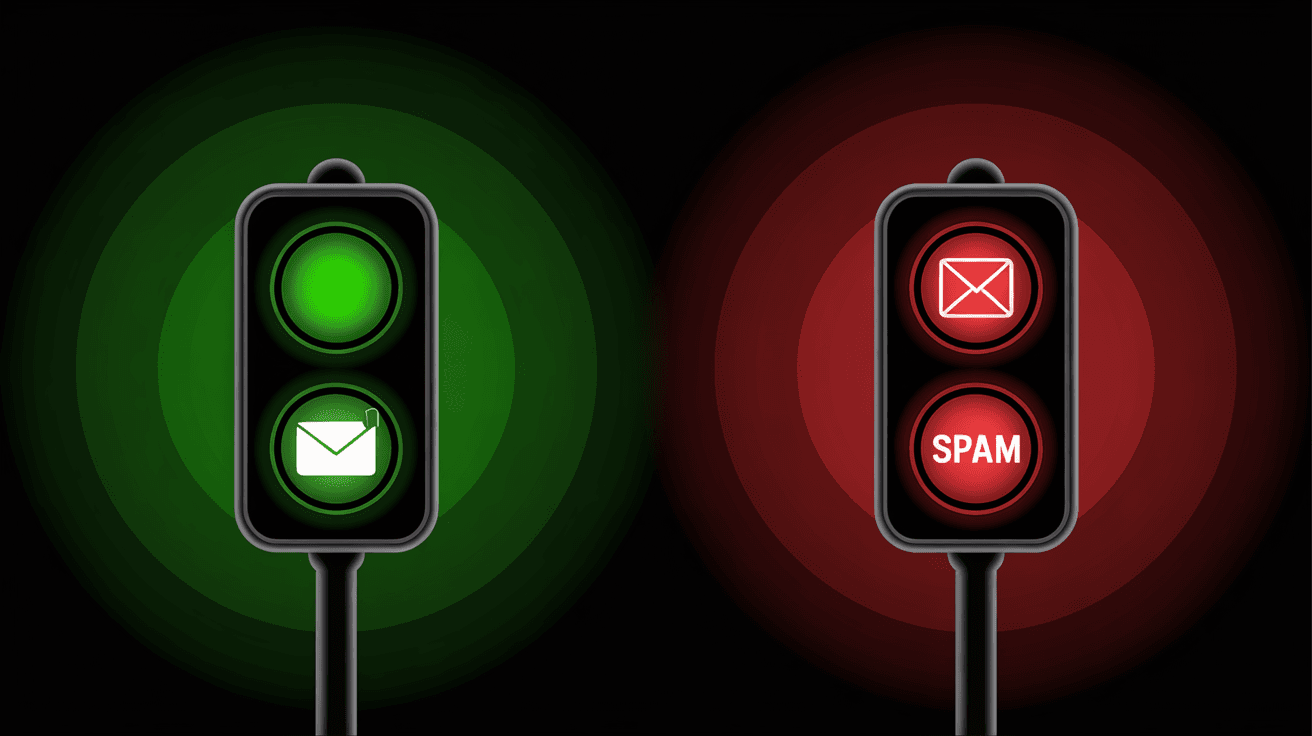
What is the "Green Light" Protocol?
The "Green Light" Protocol is an automated list segmentation strategy designed to protect your domain reputation and slash your email marketing costs.
Chad explained this during the Tech Call to solve a massive problem: traditional autoresponders (like AWeber) charge you based on your *total* contact count—even the people who haven't opened an email in years. Chad calls this "the scam."
Global Control (GC) solves this by **automatically** filtering your leads into three distinct buckets based on their behavior:
- Green (Active): These are your "Clickers" and "Openers." As soon as a lead engages, the system instantly links them to the Green list.
- Red (Inactive): If a lead does not open or click for 30 days, GC automatically moves them to the Red bucket.
- Black (Dead): If they remain inactive for another 15 days (45 days total), the system moves them to the Black bucket.
How does this save you money?
By only mailing the "Green" list for your main offers, you stop paying to send emails to people who don't care.
With SMTP, you pay for what you *send*. If you have 20,000 leads but only 3,500 are "Green," you only pay to message those 3,500 people during a launch. This increases your open rates, protects your domain, and lowers your monthly bill significantly.
The "Warm Up" Schedule: How to Re-Engagy
If you are moving to this new system with a cold list, you must follow a strict "Hourly" schedule to avoid blacklisting.
You cannot just blast everyone at once. Chad and G laid out this exact timeline:
- Day 1: Send to 100 contacts total. That is it.
- Day 2: Send to 100 contacts per hour.
- Day 3: Double the hourly rate. Send 200 contacts per hour.
- Day 4+: Continue doubling the hourly rate daily until the full list is reached.
The Recovery Strategy
If your reputation drops, immediately stop mailing the "Red" list.
If you hit a wall, spend the next few days mailing ONLY the "Green" (Active) list to signal to Google that people actually want your emails. Once your score stabilizes, you can resume the "Sprinkle Method"—mixing in just 10% of your inactive leads with your active broadcasts.
BONUS: What is Google Postmaster Tools?
Google Postmaster Tools is a free resource that tells you exactly how Gmail views your domain reputation.
You can sign up for free at postmaster.google.com. Once you add your domain, be aware that it takes about one week for data to start populating.
Once active, you need to check two specific charts daily during a warm-up:
- Domain Reputation: You want this to stay "High." If it drops to "Medium" or "Low," pause your warm-up immediately.
- Spam Rate: Keep this as close to 0% as possible. If it spikes, back off on mailing your "Red" list.
[Titanium Tech Call 12_05_25.vtt.txt - 01:32:28], [01:42:53] & [01:56:57]
|

0 Comments
Join the conversation
Be the first to comment
Share your thoughts above.