Short version: Multi-Client gives an agency separate client workspaces, one-click admin access, and Pro features turned on inside each workspace. It keeps billing clean, lets the pro set their own service price, and makes support faster because the pro can jump in and fix things without asking for logins.
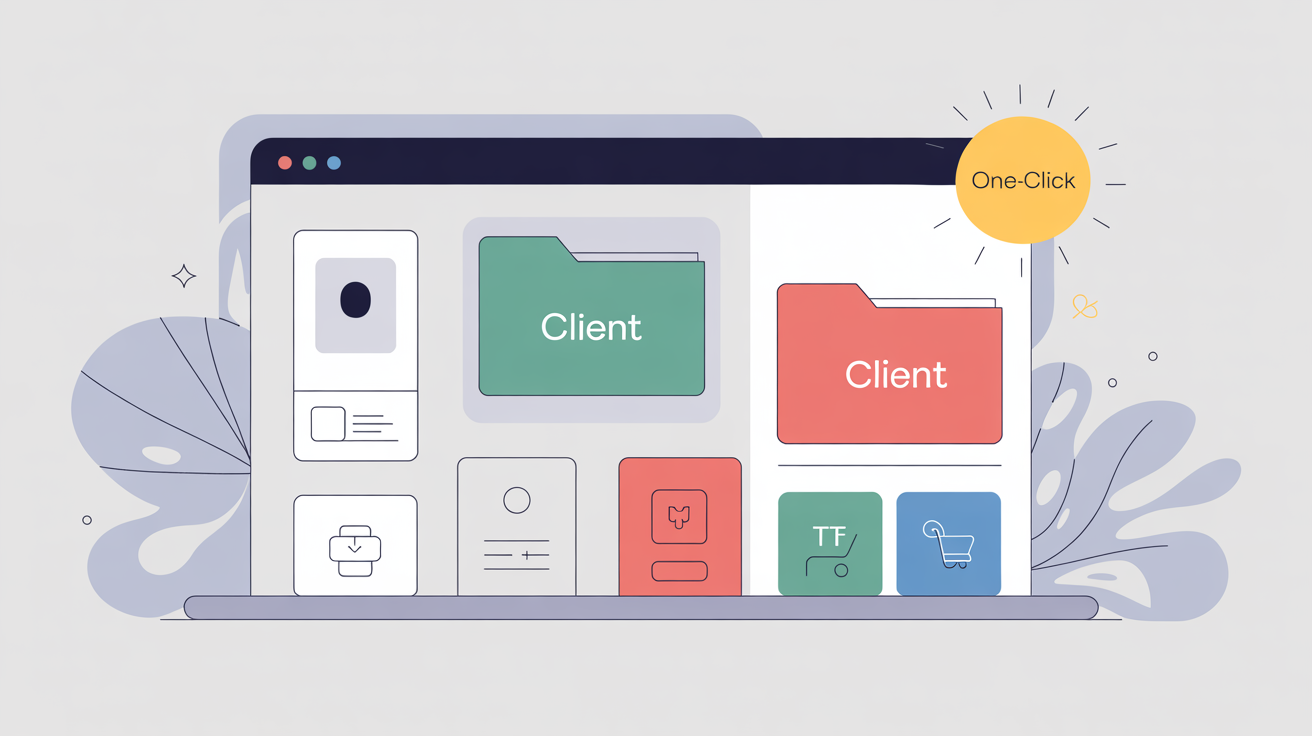
“Unlimited client workspaces with one-click access.”
“Every client pod includes the Pro toolset.”
Why Multi-Client matters
Most agency pain comes from chaos. Too many logins. Random funnels scattered across tools. Clients in DMs asking for tiny edits that require big context. Multi-Client cleans that up.
Each client gets a tidy home. The pro can enter that home with one click to make changes, run tests, or launch a promo. No waiting for passwords. No copying funnels across accounts by hand.
What members feel right away
-
Projects are separated by client, so nothing gets mixed up.
-
The pro can jump into a client workspace to build or fix.
-
Each workspace has Pro features, so builds do not hit limits mid-project.
-
White-label pricing is simple because the agency is in control.
The core pieces
-
Client workspace: a dedicated pod for one client. Pages, products, orders, and settings live inside that pod.
-
One-click admin access: the pro enters a client pod to edit or test without asking for credentials.
-
Pro features for the client: physical products, timers, snippet delivery, extra templates, and more, so the client does not stall.
-
Pricing the service: the pro sets the client plan and invoices as they wish.
“Jump into a client pod to build or troubleshoot without asking for passwords.”
The first setup for an agency
Think of each client as a neat box on a shelf. You label the box, put their pages and orders in it, and keep your other boxes separate.
Step 1: Create the client pod
Name it by brand. Add the client’s logo and legal footer details so compliance is done once.
Step 2: Add the products
Create the front offer, one bump, and one upsell. If they sell physical, connect their shipping tool so paid orders can flow out.
Step 3: Build the pages
Pick a sales page template. Add the copy. Create the checkout. Add bump and upsell pages. Link the path. Test a full order.
Step 4: Tracking and integrations
Paste the analytics scripts. Connect the client’s email service and tags. If they run ads later, the groundwork is set.
Step 5: Hand-off with one admin switch
When the client pings for a change, click into their pod, edit, and test. No login chase. No screen-share delays.
Three example client builds
1) Local service bundle
Client: a dental practice with whitening packages.
Pages:
-
Sales page for a new-patient special.
-
Checkout with payment plan.
-
Bump for a take-home kit.
-
Upsell for a family bundle.
Why Multi-Client helps: the agency can duplicate this flow for each office location inside its own pod. When the practice wants a weekend promo, the pro enters the pod, adds a coupon, and sets a timer. No messy cross-account edits.
2) Creator with monthly workshops
Client: a coach running live Zoom workshops.
Pages:
-
Sales page for the upcoming workshop.
-
Checkout with one-time price.
-
Bump for replay and transcript.
-
Upsell for a 3-workshop pack with a payment plan.
Why Multi-Client helps: the coach needs fast swaps. New date, new topic, same structure. The pro jumps in, duplicates last month’s funnel, swaps copy, updates the calendar line, and publishes. Ten minutes, not ten emails.
3) Simple store with shipping
Client: a small brand selling a starter kit with refills.
Pages:
-
Sales page for the kit.
-
Checkout with calculated shipping.
-
Bump for rush handling.
-
Upsell for a 3-pack of refills.
Why Multi-Client helps: the store already uses ShipStation. The pro connects it once in the client pod. Every paid order flows into their shipping pipeline automatically. No CSV exports. No nightly “did we miss anything” texts.
The no-drama support pattern
Multi-Client shines when something breaks at 4:55 p.m. The client says a button is off on mobile. The pro clicks into the pod, switches to the mobile view, nudges the button, saves, and tests a live link. The client refreshes and it is fixed. No password chase. No “can you jump on Zoom.” Just done.
“One click in. Fix it. One click out.”
Reusable templates across clients
Agencies love speed. Keep a tiny library of your best sales pages, checkouts, and upsell pages. When a new client signs, copy the winning layout into their pod and swap the words. Most small businesses need clarity more than novelty.
Starter library ideas
-
One clean sales page with an above-the-fold promise, three benefits, proof strip, and a simple FAQ.
-
One checkout with a visible guarantee line and a coupon field.
-
One upsell with a short video and a 3-bullet benefit list.
-
One confirmation page with calendar link and next steps.
Testing, the agency way
Every client wants to “test everything.” That is not realistic. Keep it tight.
Baseline test plan for each client
-
Test only the headline first.
-
Split traffic 50 and 50.
-
Let it run to 500 visits or 72 hours.
-
Pick a winner. Archive the loser.
-
Next test: button text or hero image.
-
Keep a tiny changelog in the client pod so history is clear.
Headline mini-script
Pricing the service without stress
Multi-Client is not just a feature. It is a product wrapper for your agency.
Three simple models
-
Setup fee + monthly care: a one-time build fee, then a monthly maintenance price that covers small edits, coupon swaps, and one new page per month.
-
Per-funnel: a fixed price to design a sales flow with one bump and one upsell. Optional add-ons for extra upsells.
-
Retainer with performance bonus: a flat monthly fee for ongoing builds and tests, with a small bonus when revenue crosses a target the client picked.
Keep the offer simple. One page. One price. One outcome.
Onboarding checklist you can copy
Use this to start a new pod in an hour.
Before kickoff
-
Brand logo files and hex colors
-
Legal links and refund terms
-
Email service access or API key
-
Shipping tool details if physical products
Inside the pod
-
Create product and price or plan
-
Build sales page from your template
-
Build checkout and add coupon field
-
Add one bump and one upsell
-
Link the flow and test an order
-
Paste tracking scripts
-
Add confirmation page with next steps
Hand-off
Scripts you can paste
Client welcome email
Subject: Your build is live inside MintBird
Hi [Name],
Your funnel is set up and ready. Here is the live link: [url].
What we built: sales page, checkout, one bump, one upsell, confirmation page.
This week we will watch the numbers. Next week we will test a headline.
If you want a monthly care plan that covers small edits and tests, reply and I will add it.
Thanks,
[You]
Coupon window email
Subject: Quick promo plan for [dates]
Hi [Name],
We can run a simple code for the weekend. I recommend 15 percent off.
Code: FALL28
I will add the code to the order form and the page for [start date] through [end date].
Would you like to proceed
Thanks,
[You]
Common pitfalls and simple fixes
-
Too many offers inside one page. Fix by removing choices. One main offer. One bump. One upsell.
-
No test plan. Fix by adding a headline test and putting a decision date on the calendar.
-
Coupon clutter. Fix by retiring old codes and keeping one active at a time.
-
Lost tracking. Fix by pasting scripts in the pod’s tracking area once, not on scattered pages.
Beginner next step
Pick one client who needs a win. Create their pod. Build a clean sales page and checkout with one bump and one upsell. Turn on a headline test. Paste tracking scripts. Go live this week. Keep it small and finish.
Micro-FAQ
Does each client need their own Pro plan
No. The pod includes Pro features so builds do not hit limits. That is the point.
Can the agency copy a funnel from one client to another
Yes. Save a few starter layouts. Duplicate into the new pod. Swap the copy. Keep the structure.
What if a client wants to manage their own edits later
Give them access to their pod and keep your care plan for safety checks and tests.

0 Comments
Join the conversation
Be the first to comment
Share your thoughts above.