Short version: MintBird Platinum gives the full toolset. Unlimited pages and funnels. Order bumps and upsells. Split testing with saved history. Coupons. Subscriptions and payment plans. Multi-currency. Easy tracking scripts. Integrations to connect with email tools and more. It is a clean way to go from a finished OfferMint plan to a working checkout that can scale.
“Funnels, upsells, bumps, and coupons, built in minutes.”
“You’ll watch us build campaigns in real time… and get them on a page where we can make sales.”
Why Platinum matters this week
Platinum is the “no ceiling” version during launch week. It removes artificial limits, so members can build pages and tests without hitting a wall. That matters when energy is high and a first funnel needs to go live, not stall out.
What members feel right away
-
Faster first builds with starter templates.
-
Simple page pieces that click together like Lego.
-
Built-in split testing and coupons.
-
One place to paste tracking scripts.
-
Payment plans and multiple currencies when needed.
The Lego way to build in MintBird
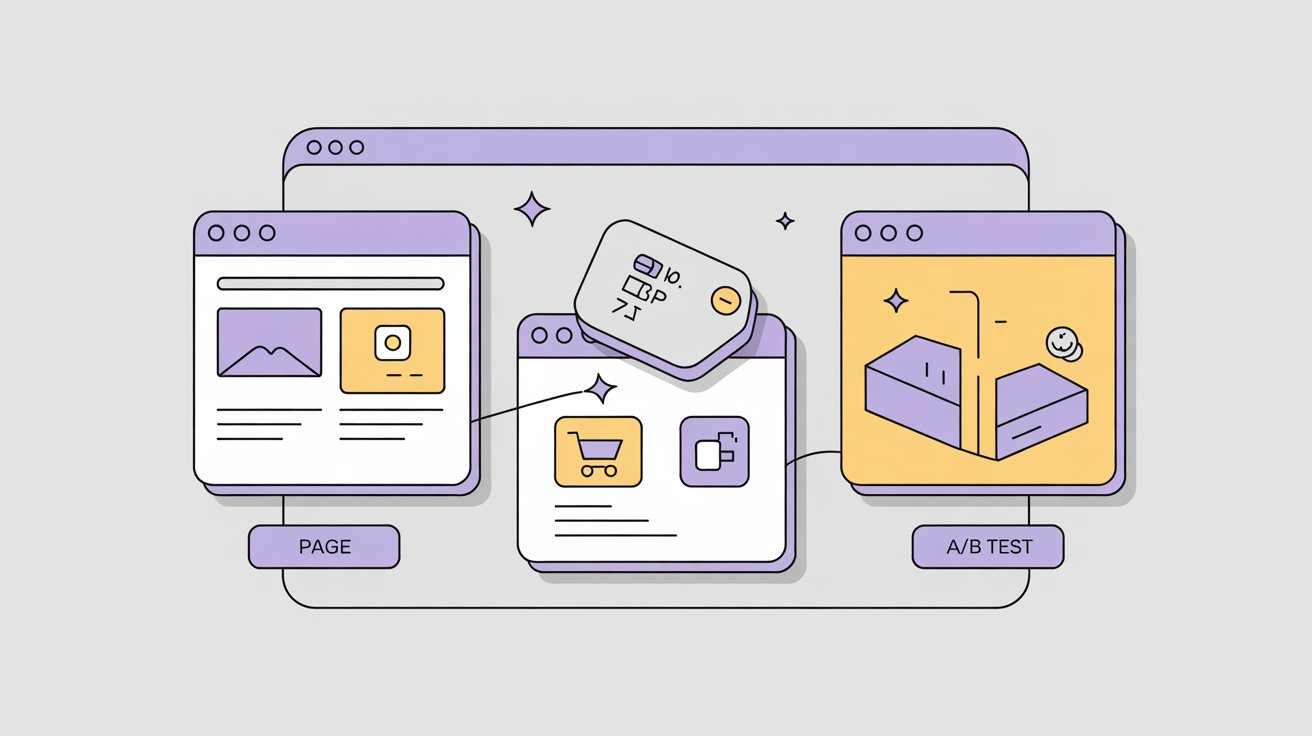
MintBird keeps each piece simple. You create pieces on the side, then connect them into a flow.
Pieces you will make:
-
Product or offer
-
Sales page
-
Order form
-
Order bump
-
Upsell and downsell
-
Confirmation page
Then you link the pieces to shape the funnel. Sales page to order form. Order form to upsell. Upsell to downsell or to confirmation. It is simple and visual.
“Build unlimited funnels and pages, then plug in bumps and upsells.”
Your first 60-minute build in Platinum
The goal is not perfect. The goal is live.
00:00-00:10
Pick a sales page template. Drop in the headline and three benefits from your OfferMint plan. Add one image or hero graphic.
00:10-00:20
Create the product. Set a simple price. If you plan a payment plan, create it now. Keep it basic.
00:20-00:30
Create the order form. Toggle the payment plan if you made one. Add a short field for coupon codes. Leave tracking scripts for later in this hour.
00:30-00:35
Create one order bump. Think small. A checklist, a template pack, or an extended license. Keep it under 40 percent of your main price.
00:35-00:45
Create one upsell. Make it a time saver. A template set, a workbook, or a done-for-you file pack. Add a downsell that is a lighter version.
00:45-00:55
Wire the flow. Sales page to order form. Order form to upsell. Upsell to downsell. Downsell to confirmation. Test the path once.
00:55-01:00
Turn on one split test for the sales page headline. Paste your tracking scripts in the tracking area. Save.
“We’ll open the campaign and break it down.”
Three practical funnel examples
1) Digital quick win
Use case: a short guide or mini course.
-
Price: 27 to 47.
-
Bump: workbook or cheat sheet at 9 to 17.
-
Upsell: template bundle at 47 to 97.
Notes: add a coupon code for weekend promos. Run a simple headline split test. Pick the winner after 500 visits or 72 hours, whichever comes first.
2) Live workshop with replay
Use case: 90-minute training with Q and A.
-
Price: 49 to 99. Offer a payment plan only if price goes past 99.
-
Bump: replay and transcripts at 19.
-
Upsell: VIP seat with private Q and A or worksheets at 97 to 197.
Notes: set the confirmation page to remind buyers to add the session to their calendar. Add a one-click invite link inside the page.
3) Physical item plus digital bonus
Use case: shipped kit with a digital vault.
-
Price: 39 to 79.
-
Bump: rush handling or a small add-on item.
-
Upsell: refill pack or bundle at 59 to 149.
Notes: connect the shipping integration if the team already uses it. Orders can flow to the shipping tool automatically. Keep the upsell light to maintain margins.
Split testing without the headache
Split testing is built in. Use it, but keep it simple.
First test plan
-
Test only one thing at a time. Start with the sales page headline.
-
Write Version A and Version B. Change only the first line.
-
Split traffic 50 and 50.
-
Let it run to at least 500 visits or 72 hours.
-
Pick the winner and archive the loser.
-
Optional next test: the hero image or the call to action button text.
Headline script you can copy
-
Version A: “Get [result] in [time] without [big pain].”
-
Version B: “A faster path to [result], even if [common doubt].”
Button text ideas
-
“Get instant access”
-
“Start the workshop”
-
“Claim my kit”
Coupons that do not cause support tickets
Coupons are native. Keep them clear.
Coupon checklist
-
Name the coupon with the end date in the code. Example: FALL28.
-
Choose either percent off or dollars off. Not both.
-
Set a clean start and end. Match the end to your calendar.
-
Put the code near the price and on the order form.
-
Remove the code from pages when the promo ends.
Money options that boost take rate
Payment plans and subscriptions are built in.
-
Use payment plans when the price is above 99 and the audience is price sensitive.
-
Use subscriptions for recurring value. Community, template drops, or monthly coaching.
-
Offer only one plan on the page. Too many choices cut conversions.
Tracking without the jargon
MintBird lets a member paste tracking scripts in one place. That means the common analytics and ad pixels can be added without plugins. If ads come later, the groundwork is ready.
Tracking checklist
-
Paste the main analytics script on the sales page and order form.
-
Paste the purchase script on the confirmation page if your ad platform uses one.
-
Give tests at least a few days before judging.
Integrations that matter
Platinum connects to popular email tools and other platforms. This keeps buyer data in sync. When an order happens, the buyer can be tagged, added to a list, or dropped into a follow up path. No swivel-chair needed.
When to use coupons, timers, and urgency
Timers are part of Platinum. Use them with care.
-
Timers fit short promos and live workshop cutoffs.
-
For always-green offers, use light urgency such as a bonus that rotates monthly.
-
Do not stack timers, coupons, and low stock messages at the same time. Keep it honest and simple.
A simple upgrade strategy for existing members
If a member starts on the entry level and feels boxed in, Platinum removes the ceiling. It adds unlimited funnels and pages, split testing, domains, and integrations in one place. That is cleaner than stacking separate upgrades over months.
Quick start checklist
-
Finish the offer in OfferMint. Use the VIP workshop to tidy copy.
-
In MintBird Platinum, choose a sales page template and drop in copy.
-
Create one product. Create one order form.
-
Add one bump. Add one upsell.
-
Link the flow and run a test order.
-
Turn on a headline split test.
-
Paste tracking scripts.
-
Add one coupon for your next window.
Micro-FAQ
Do members need Platinum to launch a first funnel?
No. A first launch can start on the entry level. Platinum becomes worth it when the member wants unlimited pages, split tests, and full integrations without limits.
Which payment path converts best, one-time or plan?
Most small digital offers convert best as one-time. Use a plan when the price is higher or the value is delivered over time.
How many upsells are too many?
Start with one upsell and one downsell. Add more only if take rate stays healthy and refunds do not rise.
Beginner next step
Pick one of the three example funnels above and build it today. Keep the copy short. Wire the bump and one upsell. Turn on the headline split test. Go live. Adjust next week.

0 Comments
Join the conversation
Be the first to comment
Share your thoughts above.