
How to Automate "Shoppable" Review Videos Without Filming (ShopReel AI Guide) |
You don't need a studio. See how we use this AI tool to turn product links into viral Reels and Shorts instantly. |
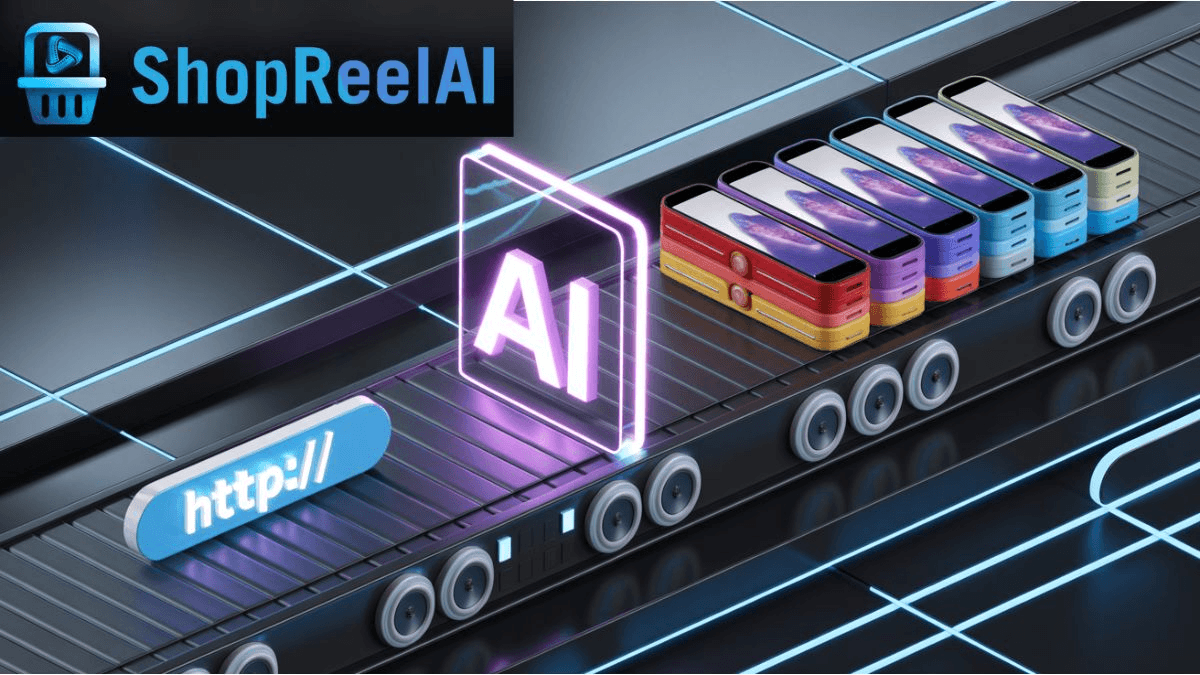
How do you "flood the zone" with review videos if you hate being on camera?
You don't film them. You let AI build them for you.
This week, the community focus has been on Sales and Speed.
Specifically, we discussed the "Amazon Test": creating quick reviews of quirky products to validate if your audience buys before you commit to a partnership.
The strategy is brilliant, but it has one major friction point: Content Creation.
Most people will stop at the "90% mark" because setting up lights, buying a microphone, filming an unboxing, and editing the footage takes hours. If you need to test 10 products, that is 40+ hours of work.
ShopReel AI removes this friction completely.
While the marketing for this product shouts "TikTok Shop," do not let that fool you. Inside the dashboard is a feature called "Custom URL," and that is the key to the Titanium strategy.
The "Any-URL" Protocol
You don't need a TikTok shop. You don't need inventory. You just need a link. Here is the workflow: 1. The Input: Instead of ordering a product and waiting for shipping, you simply grab the URL. This could be an Amazon link for your newsletter review, or a Client’s Website (like a local florist or bakery). 2. The "Phantom" Production: You paste that URL into ShopReel. The AI visits the page, scrapes the high-quality images, reads the description, writes a sales script, selects a voiceover, and edits a dynamic, fast-paced vertical video for you. 3. The Distribution: Now you have a video file.
Why This Matters for "The Amazon Test"
Chad teaches us to validate ideas fast.
This allows you to test 20 products in the timit used to take to film one. You are moving from "Video Editor" to "Media Director."
Which Version Do You Need?
The Front End (FE): For the "Affiliate Tester"
If you just want to execute the "Amazon Test" for your newsletter, the Standard version is perfect. It gives you the core AI video creation tools to turn URLs into videos. This removes the "I don't have a video" excuse immediately.
The Bundle: For the "Local Media Agency" If you are following the "Business Owner" Pivot (offering services to local businesses), the Bundle is the strategic choice. Here is why:
The Bottom Line: The tool doesn't care if you use TikTok or not. It is a video creation engine. Use it to automate the heavy lifting so you can focus on the offers.
Check out the Front End (Standard) Check out the Bundle (Best Value) |
0 Comments
Join the conversation
Be the first to comment
Share your thoughts above.