Why do you have two different types of subscribers?
Because you need one group to pay you and another group to protect you.
In the world of email marketing, "Deliverability" is everything. If Gmail and Yahoo don't trust your domain, your emails go to spam, and your business dies. To prevent this, the Titanium community operates as a Peer Network: members subscribe to each other's newsletters to open, click, and signal to Google that "this sender is legitimate."
However, this creates a data problem. If 50 fellow members subscribe to your "Summerlin Foodie" newsletter just to help you out, they aren't going to buy your local pizza deals. They skew your conversion data.
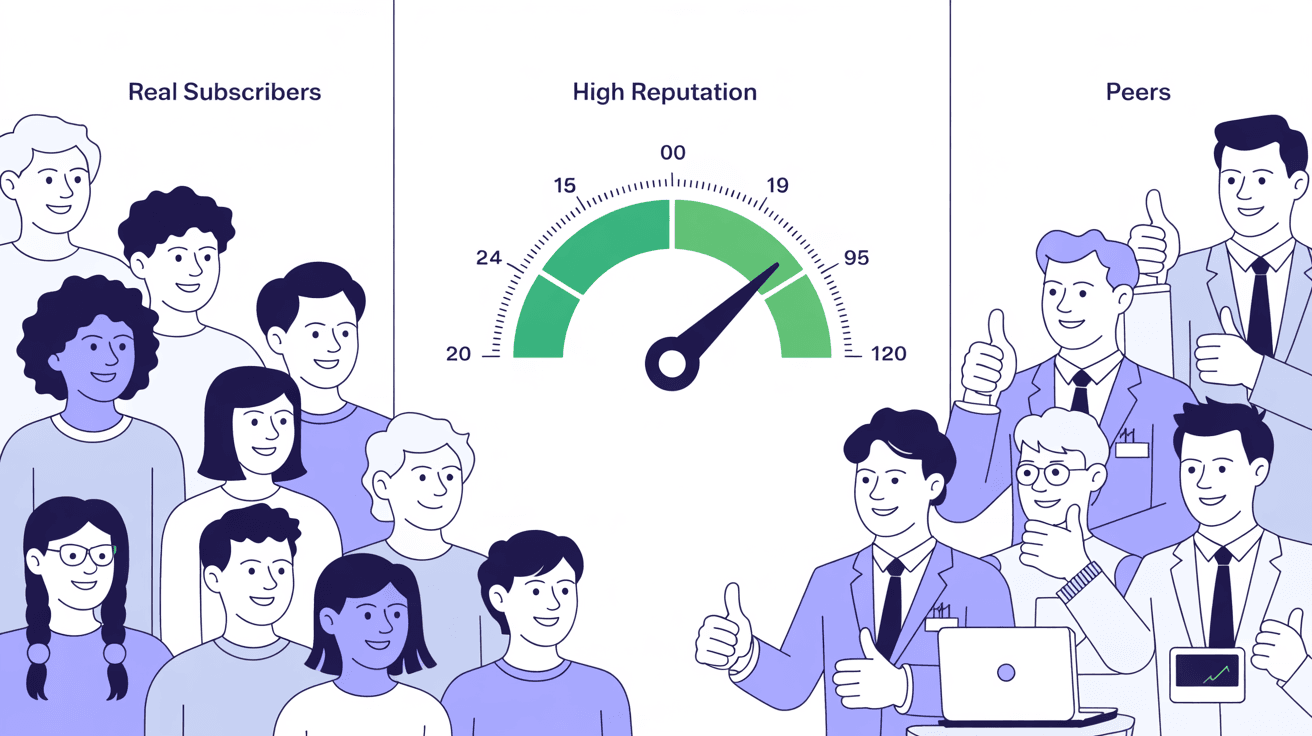
The new Peer Stats feature in Letterman solves this by separating your audience into two clean buckets:
- Real Subscribers: The local residents and leads who are actually potential customers.
- Peers: The fellow Titanium members who are supporting your domain health.
How to View Your Peer Stats
You can now see exactly how healthy your list is at a glance.
1. Go to Subscribers: Log in to Letterman and click the "Subscribers" tab.
2. Select Your Publication: Choose the specific newsletter you want to analyze.
3. Check the Split: You will see a breakdown (e.g., "97% Real / 3% Peers").
This transparency allows you to report accurate numbers to potential advertisers ("I have 5,000 local readers") while still benefiting from the high engagement rates of your Peer group.
The Critical Setup Step (Do This Now)
For this system to work, and for you to get "credit" for being a good Peer to others, you must configure one specific setting.
1. Go to the Publication Directory: This is where you find other newsletters to support.
2. Find the Dropdown: Look for a dropdown menu near the top of the page.
3. Select Your Primary Newsletter: You must tell the system which of your publications should receive the "Health Credit" when you open other people's emails.
If you don't do this, the system won't know who you are when you engage with other newsletters, and your peers won't know you are supporting them.
The "Check & Balance" Strategy
This transparency creates a powerful accountability system. You can now see exactly which Peers are opening your emails. If you notice that you are opening Jim's newsletter every week, but Jim never opens yours, you can reach out:
"Hey Jim, I'm supporting your domain health, can you return the favor?"
This "I scratch your back, you scratch mine" dynamic is the secret weapon that keeps Titanium delivery rates higher than standard solo newsletters.
Action Item: Go to your Publication Directory immediately and ensure your primary newsletter is selected in the dropdown.

0 Comments
Join the conversation
Be the first to comment
Share your thoughts above.