
Freeze, Edit, Resume: Safe changes to live workflows in GC |
Pause contacts at a timer, add your step, and continue without bumps. |
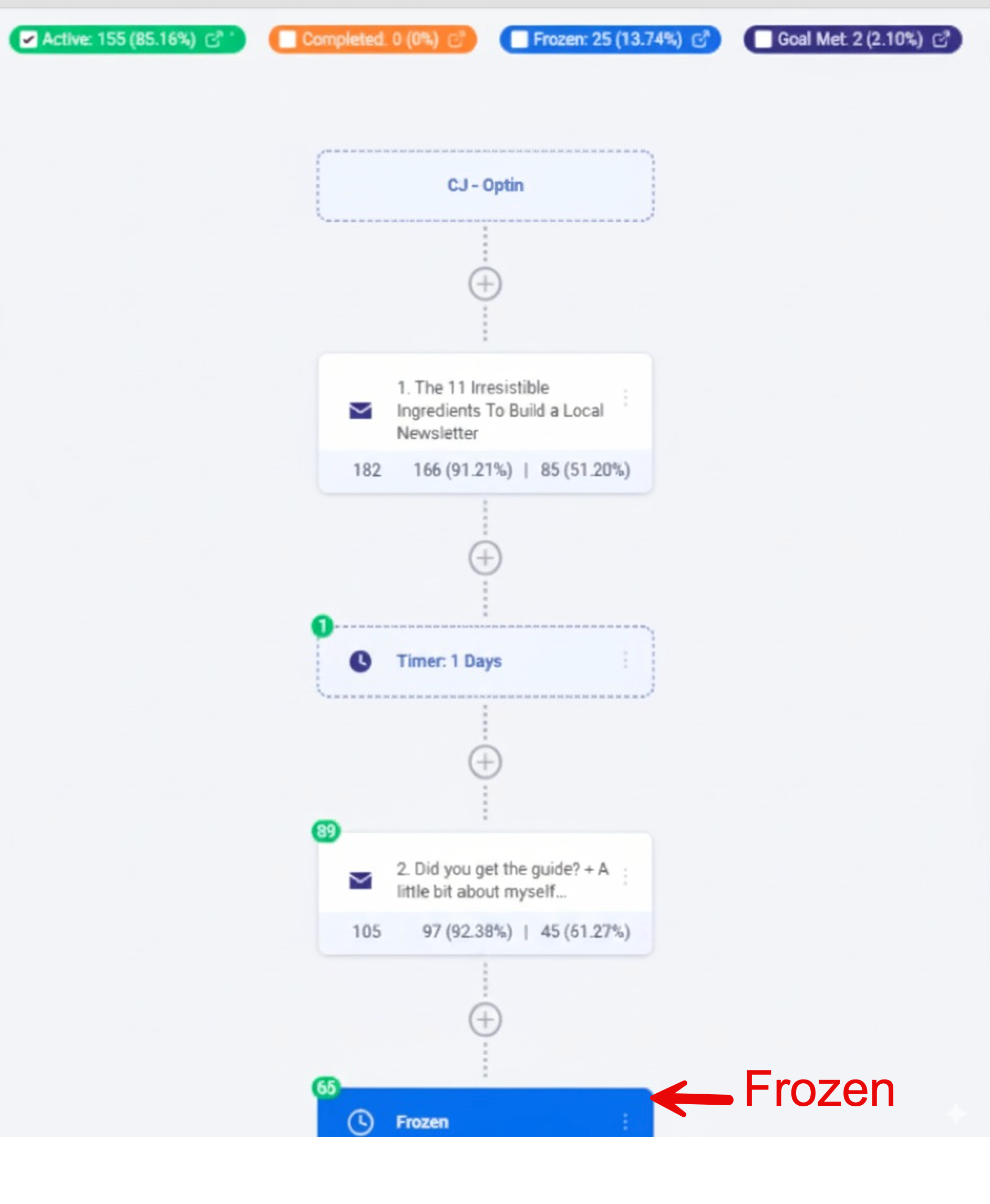
Why freeze helps We see gaps after a workflow runs for a while. Maybe we want a thank-you note after a purchase. The Freeze control lets us pause people at a timer step, make the fix, then continue calmly.
Where to use it Find a timer step in the workflow. Turn on Freeze. The count shows how many people are paused there. Add or change the email. Fix timing. Check the path. Then turn Freeze off so people move forward again.
Quick checklist
Tips
Bottom line: Freeze keeps trust while we improve the sequence.
|
0 Comments
Join the conversation
Be the first to comment
Share your thoughts above.