What do you do when your digital worker runs into a technical glitch?
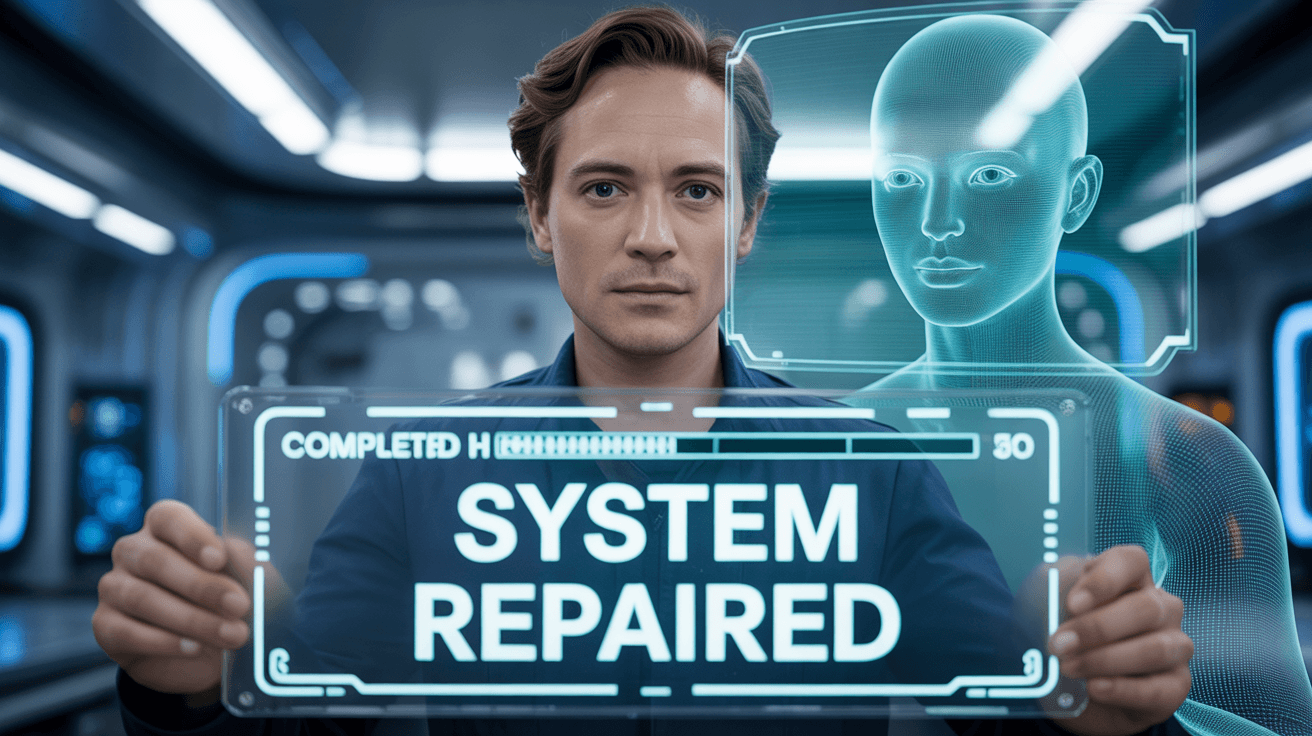
You can now use simple conversational commands like "fix it" or "repair" to trigger your AI agent to self-diagnose and resolve its own errors.
This breakthrough was a major highlight of the recent onboarding and support sessions where the Team focused on removing the technical "head monsters" that stop most users.
Sitting in on the calls, it became clear that you no longer need to be a coding expert to keep your digital office running smoothly.
The result is a self-healing bot that can check its own heart and get back on track without you having to run complex technical scripts.
How does the "Fix It" command act like a digital doctor for your bot?
The "fix it" command instructs the AI to look at its own configuration and attempt a different path to complete the goal.
Think of this protocol like having a mechanic who lives in your trunk; if the car starts making a weird noise, you just tell him to "take a look" while you keep driving.
Instead of needing to submit a support ticket every time a task stalls, you simply chat with the bot as you would a human assistant.
This shift unlocks a massive amount of productivity because the bot identifies the technical roadblock and clears it autonomously.
Why is it actually a good thing when your bot breaks during training?
Breaking your bot during the Shadow Intensive is a sign that you are pushing the technology to its limits and uncovering new ways to automate your business.
The Team explained that every time a bot fails and then "heals" itself, it becomes a smarter worker for your specific company needs.
The practical impact is that you develop "armor" against technical resistance, making you a more confident Digital Orchestrator.
This creates a stable environment where you can scale your local media empire without fearing a digital crash.
What should you do if the simple conversational commands don't work?
If the bot remains stuck, the Three R's Protocol: Refresh, Restart, Reset, (and Repair) remains the ultimate safety net for your digital office.
The Team has added the "Repair" option for times when the bot needs a deeper technical alignment.
You can access this by clicking "Health" on the left menu of your Claw Launcher, selecting "Advanced," and then clicking "Repair."
By following this ritual, you stay in control of your managed workforce and keep the profits rolling in regardless of technical hiccups.
This methodology ensures that your AI infrastructure stays robust and ready for daily production.
👉 Join the Shadow Intensive to master these self-healing bot commands here

0 Comments
Join the conversation
Be the first to comment
Share your thoughts above.