How do we pick the best newsletter layout for our Letterman publications?
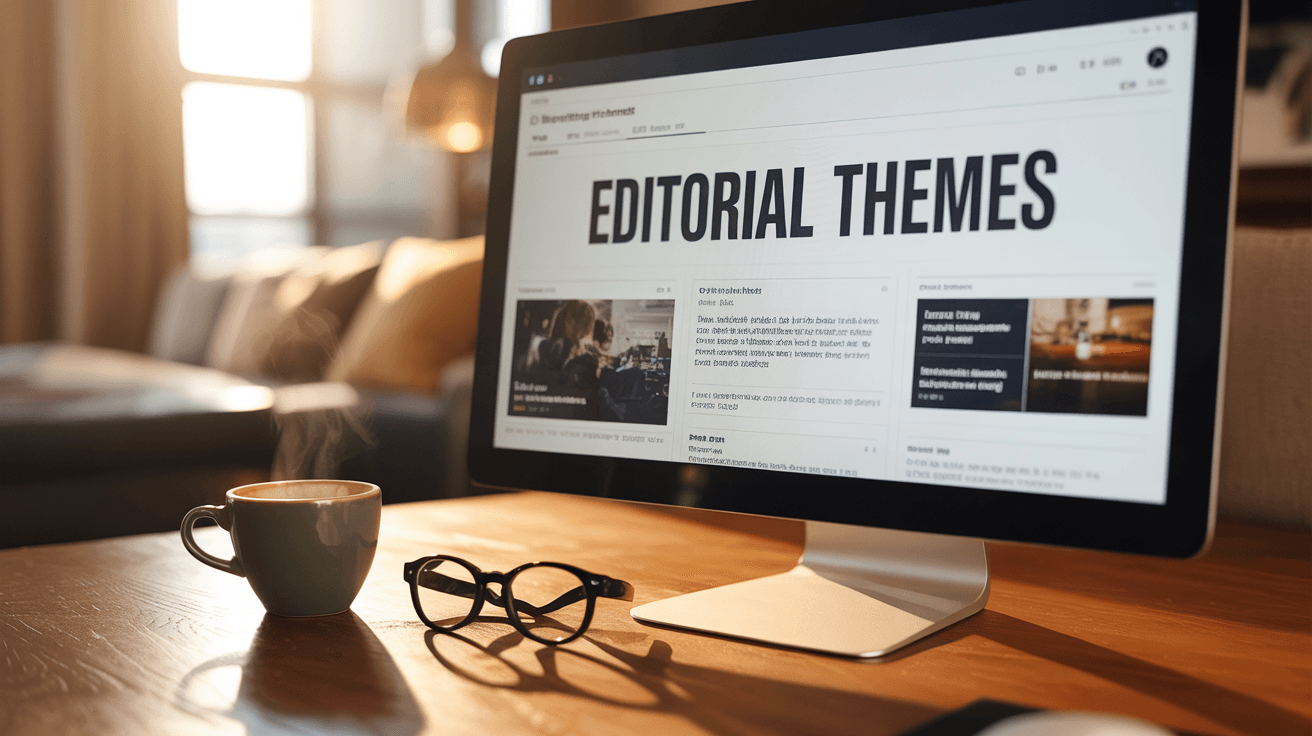
We now have high-end media themes inside Letterman that allow our community to choose layouts like TMZ or CBS News with just a few clicks.
This basically acts as a shortcut for our community because we no longer have to hire expensive designers to draw up new blueprints for our news pages.
The cool part is that any high-end layout can now be added into Letterman within an hour, giving our brands total flexibility.
Where do we find these new Letterman styling options?
The Team added a new Theme Styling menu under our Letterman settings so we can customize our news and article previews instantly.
To find these, click on the three dots next to our publication on the left, then go to Theme Styling to see the new Latest Layout section.
This update ends the confusion of looking like everyone else because we can now choose a style that fits our town's unique personality.
What kind of looks can we use for our Letterman articles?
Our community can select from multiple professional designs like Card Grids, Newspaper styles, Split Views, and Full Bleed Editorial themes.
Instead of being stuck with a basic list, we have the power to change our look like it was a WordPress site.
This shift basically results in every article we publish acting as a digital hook that stays active on the web forever.
Why does a high-end design help our Letterman business grow?
Giving our Letterman publication a professional look builds instant trust with our neighbors and makes local sponsors much more willing to cut us a check.
When our digital office looks this good, it acts like a high-end storefront that invites people in rather than a restaurant tucked away in a dark alley.
Next thing you know, our brands become a safety net in our towns that no government organization or algorithm can take away.

0 Comments
Join the conversation
Be the first to comment
Share your thoughts above.