How can we stop our main automated systems from freezing up or getting burned out?
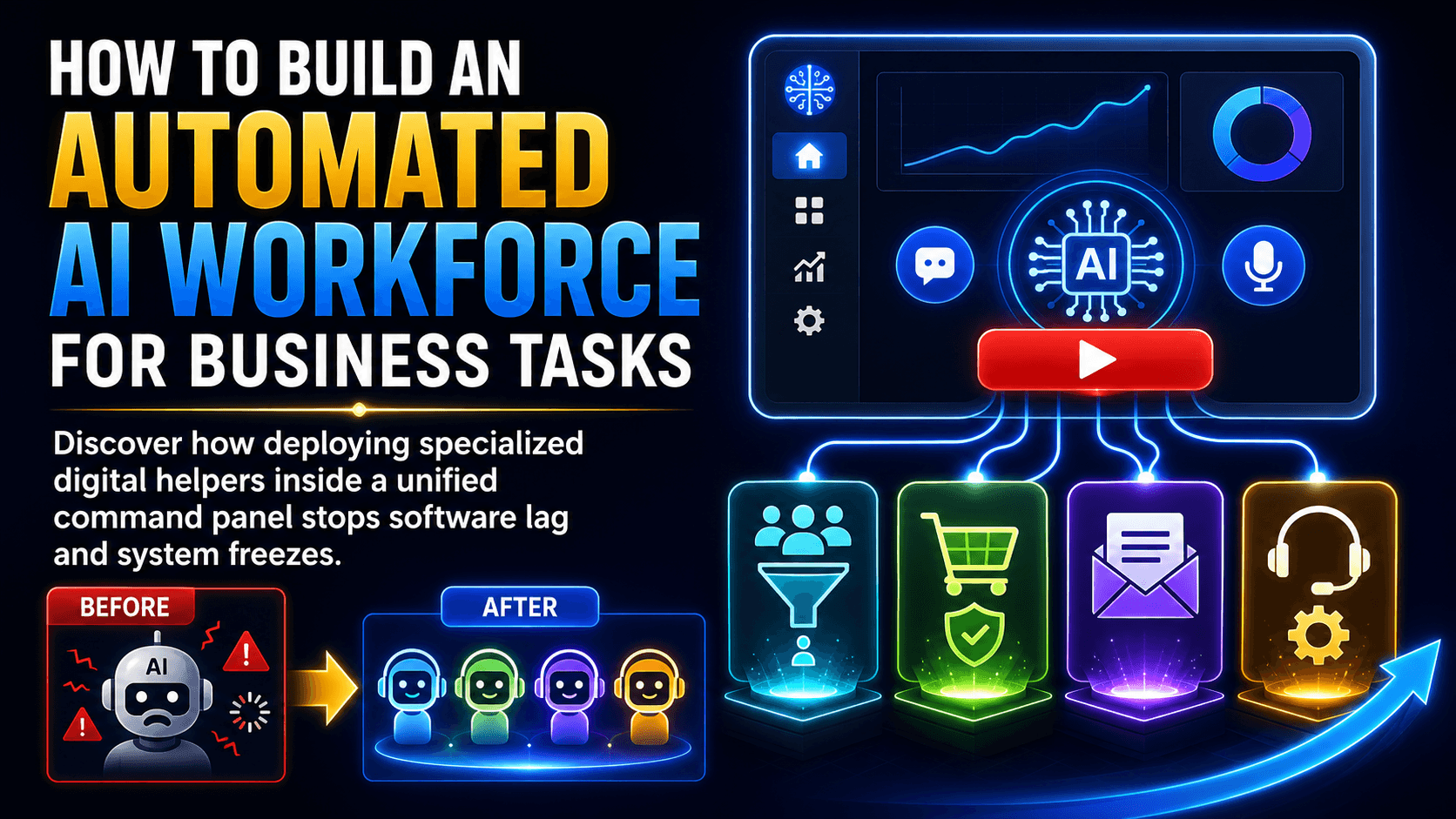
We need to deploy specialized sub-agents inside our OpenClaw Launcher to handle distinct business chores on their own.
Next thing you know, our core digital platform stays fast and stable because the primary assistant isn't trying to execute all the backend labor by itself.
Chad explained on the calls that forcing a single bot to run every task like scraping fresh leads, creating checkout pages, and managing databases simultaneously will eventually overload its memory paths.
What this unlocks is a much smoother operation where we delegate localized tasks to separate digital assistants, ensuring our workflows run flawlessly around the clock.
What literal steps did Chad demonstrate to set up these specialized helper assistants?
We can open our OpenClaw Launcher panel and click the red play button to access the built-in tutorials folder.
This basically acts as a shortcut for our onboarding routines because the short videos break down exactly how our fleet operates and how to pair new tokens safely.
Chad walked through this technical logic live with Craig and Guy during our intensive sessions, proving that setting up a localized assistant takes less than twenty seconds.
The cool part is that there's no complex technical work involved for us because our primary bot automatically trains the new sub-agent on its own once the pairing code is entered.
[Note: the exact folder names and button sequences inside the red video tutorials folder will be listed here in square brackets if any system layouts change over the weekend].
What new dashboard updates is G developing to streamline our fleet communication?
The Team is currently finalizing a system upgrade that lets us talk to our specialized assistants right inside the OpenClaw Launcher web screen.
Suddenly, we're looking at a completely unified layout that eliminates the need to use Telegram to run our daily automation commands.
G is working through the final codebase alignments so that we can issue text or voice instructions to our entire fleet from a single desktop dashboard.
This frictionless system ensures our business continues to scale rapidly while keeping our core application performance completely optimized.
To see how this new dashboard layout fits into the broader platform adjustments starting this week, we can review the complete list of Titanium software suite upgrades.

0 Comments
Join the conversation
Be the first to comment
Share your thoughts above.