How can we use the upcoming Letterman integration to automate our local content gathering?
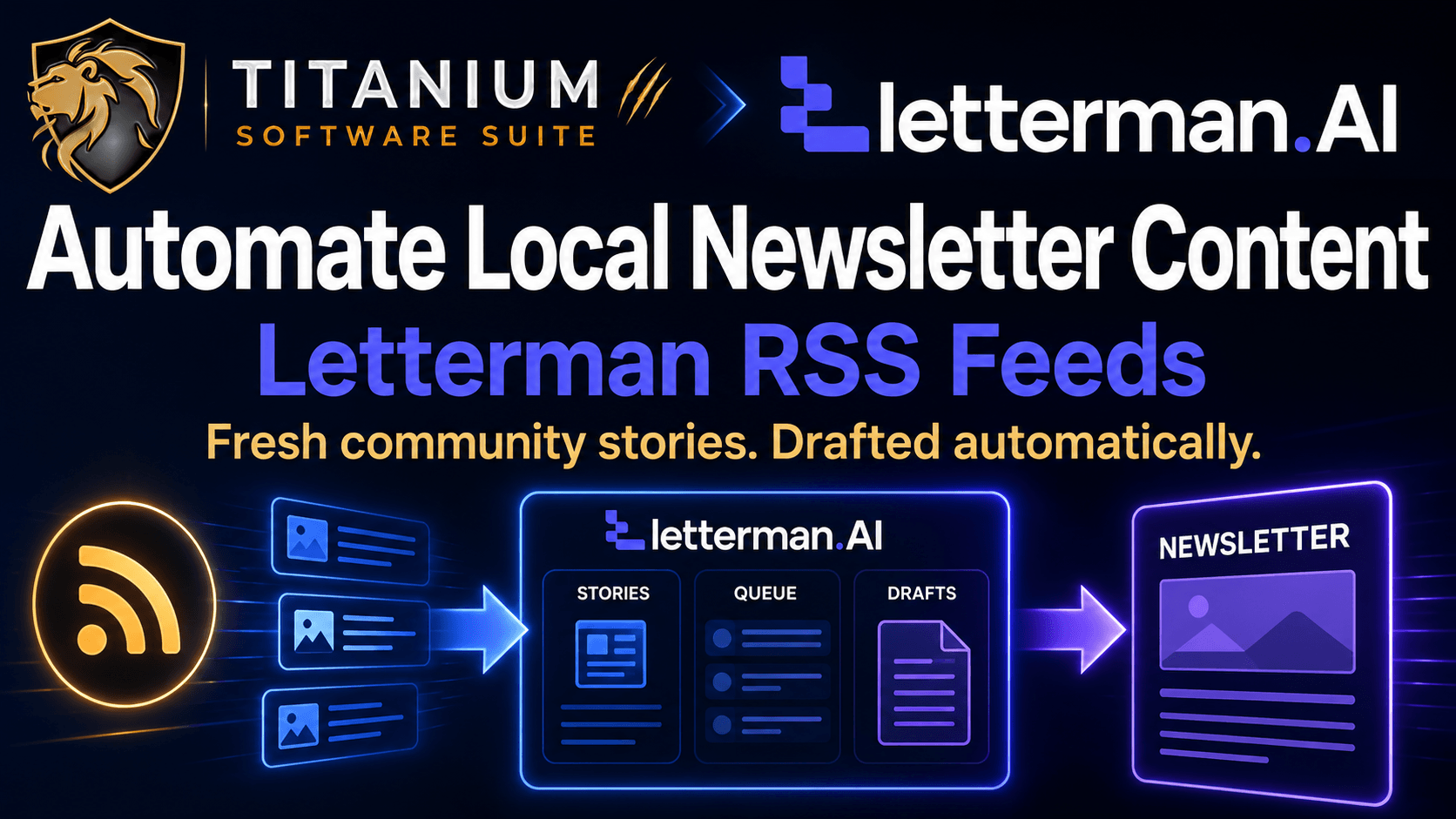
We can connect our Letterman accounts to a content gathering tool to automatically scan specified websites for articles that fit our newsletters.
This option scans online pages automatically to find stories for our review. We avoid spending hours loading dozens of different sites every single morning looking for community updates.
The platform pulls these news summaries straight into our draft queue automatically. We save a massive amount of back-end labor when building our regular mailers.
What are the specific operational steps to set up our news streams for Letterman?
We must set up our target news sites inside an outside utility called rss.app first before linking the feed to our Letterman system.
Chad shared a direct promotional link at chadnicely.com/rss to help us get started with this application. This external software builds a custom summary stream from the local news pages we want to copy.
Once we establish those streams, the content links feed straight into our Letterman dashboard manager. We can then look at a live list of community headlines directly on our screen.
The dashboard gives us clear options next to every pulled item to add the story to our queue, convert it to an article, or reject it completely. Hitting the conversion button immediately copies the text right into our newsletter template.
When will this automated content feature become available inside our software accounts?
The Team is currently developing this update and will release the new version of Letterman to Entourage Mastermind members to test first.
This private testing window allows the team to shake out any bugs and verify the systems before the rest of the community gets access. The Devs are rewriting our entire suite using Claude Code to make every tool fast and clean.
We can expect to see this streamlined editor update arrive on our dashboard as soon as the back-end coding is stable. Our systems will stay up to date automatically while we plan our community outreach strategies.

0 Comments
Join the conversation
Be the first to comment
Share your thoughts above.