Why are the developers splitting the MintBird page builder into two separate workspaces?
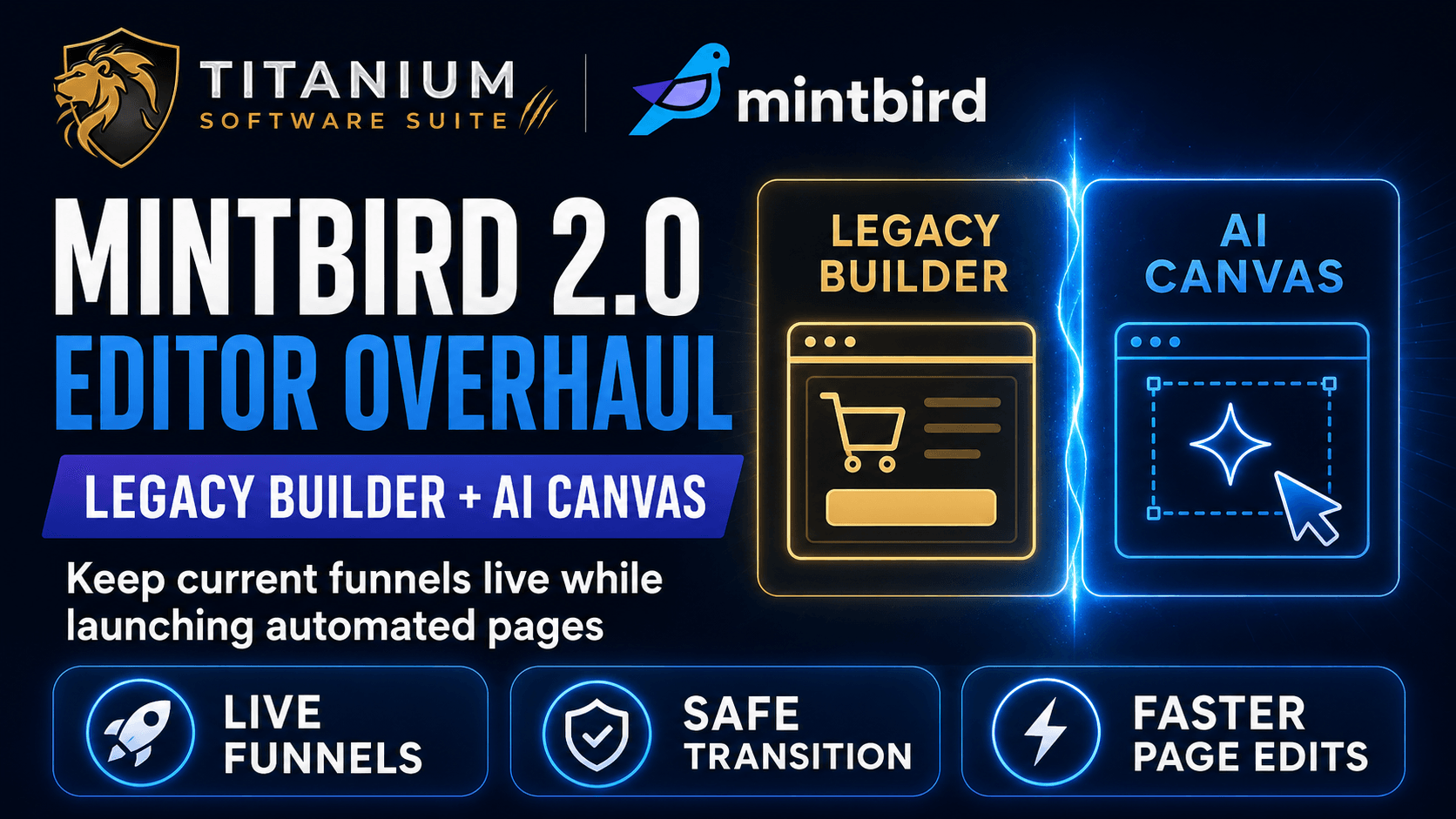
Our checkout platform is getting a dual-canvas split that separates our active sales funnels from a brand-new AI editing canvas.
This backend update ensures that nothing breaks inside our existing accounts when the new software version rolls out.
Editor functionality is always the most complicated part of a system build, which is why the team is keeping both pathways open inside our dashboards.
When we open the main pages area, we will see the option to run the system in legacy 1.0 mode or use the new workspace.
If we have active sales pages and product funnels already up and running, we can keep managing them inside the legacy builder without any changes to our settings.
How does the new editor layout make it easier to launch automated sales pages?
The updated builder allows us to easily modify individual elements and sections on the pages our AI systems create.
Here's what changes on our screens: instead of fighting with heavy layout settings to tweak a headline, we can edit our elements on a streamlined interface instantly.
The platform handles the heavy backend labor of page generation so that we can transition from a raw idea to a functioning store setup without a time block.
This fast editing capability ensures we can test multiple offers and pricing tiers while our systems look completely professional to our buyers.
The main pages area is the only section receiving this heavy reconstruction, meaning the rest of our checkout matrices and store menus will stay familiar and simple to navigate.
Chad noted that this build is moving along much faster than expected, and we can expect to see these page updates hitting our active accounts very soon.

0 Comments
Join the conversation
Be the first to comment
Share your thoughts above.